










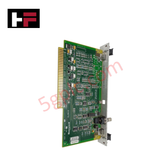
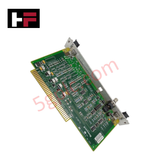
Product Details
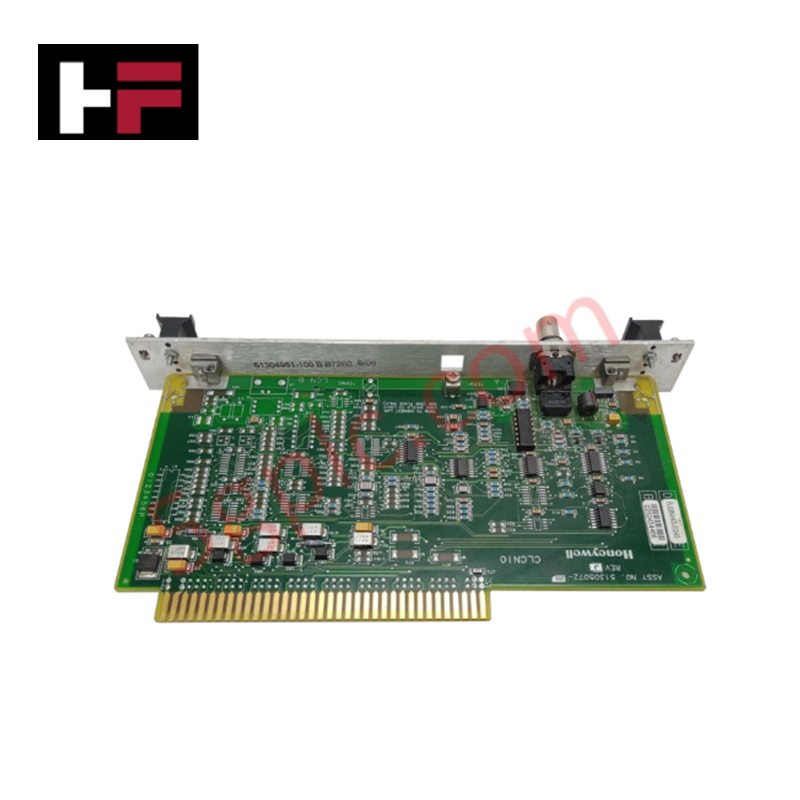
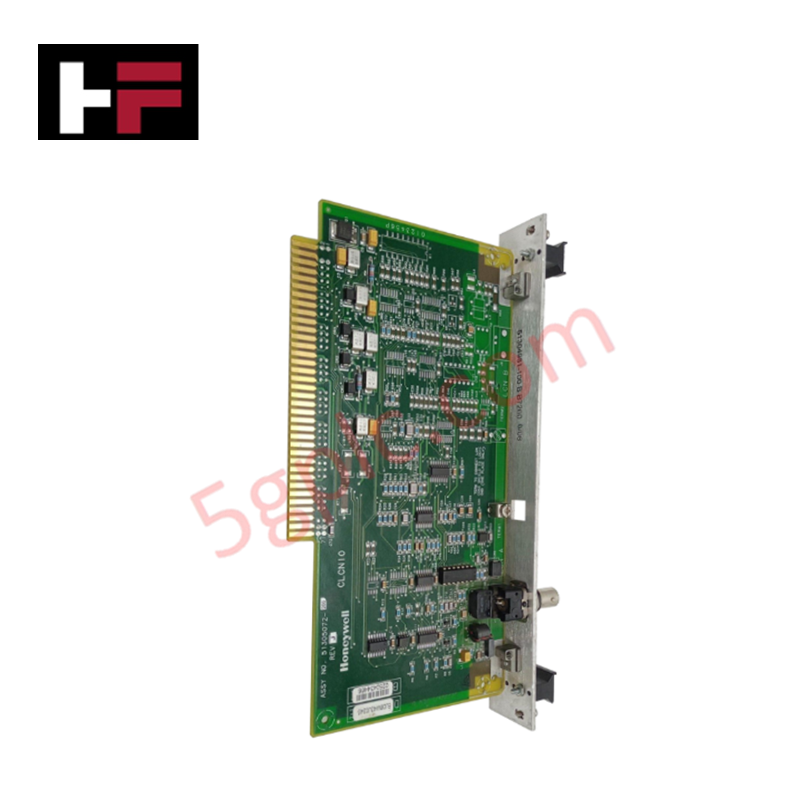
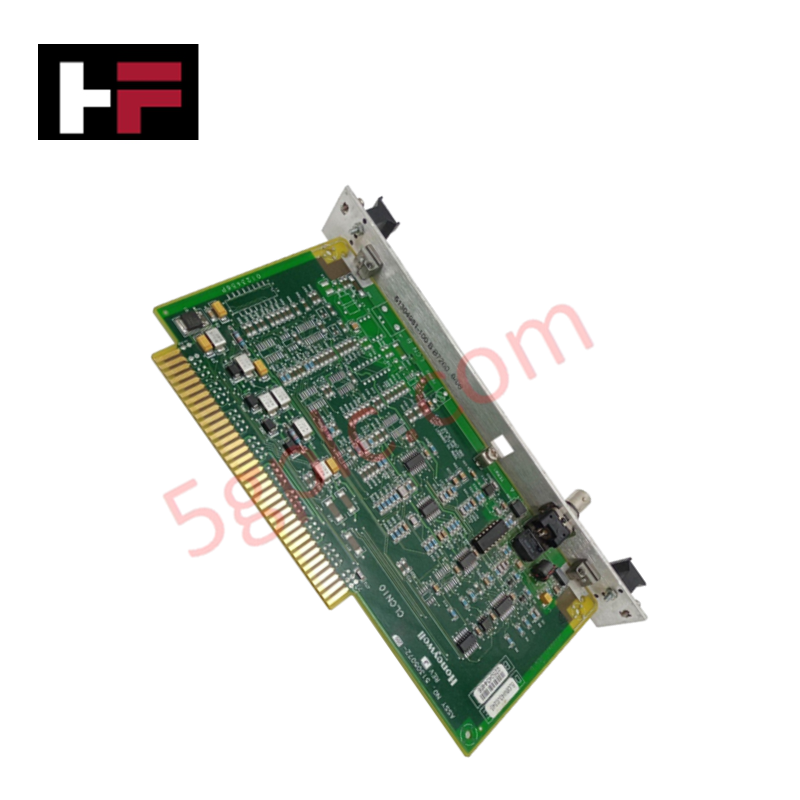
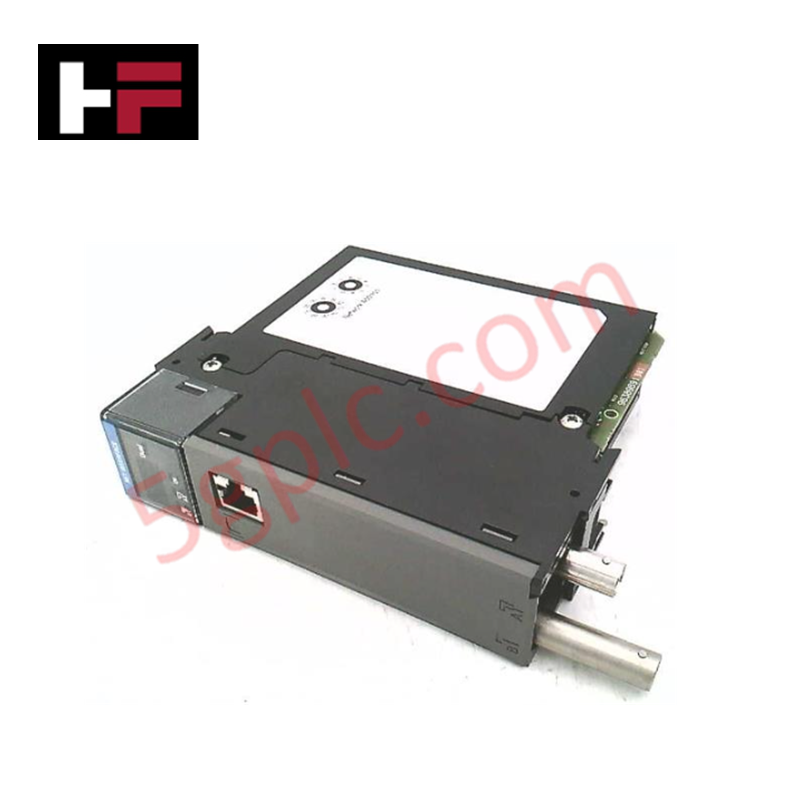
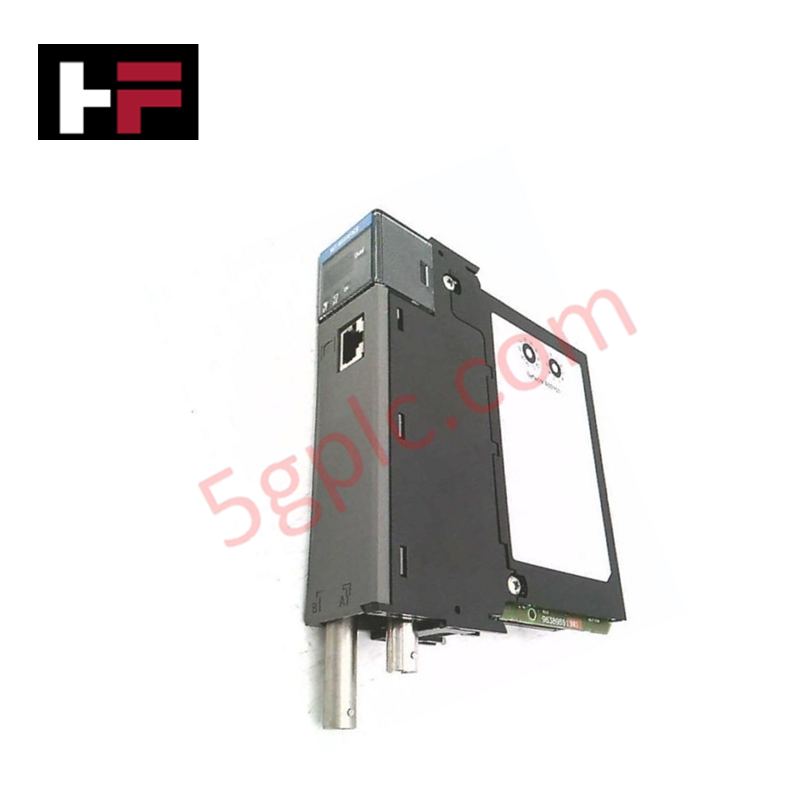
The Honeywell TP-ZEN100, also cataloged as the TP-ZEN100 Local Control Network Expansion Board, operates as a dedicated hardware component for long-distance LCN bus signal extension within Honeywell TDC 3000 and Experion PKS networks.
Hardware Specifications
| Parameter | Specification |
|---|---|
| Model | TP-ZEN100 |
| Brand | Honeywell |
| Origin | USA |
| Weight | 0.600 - 0.726 kg |
| Dimensions | 5.5 x 30.5 x 18.0 cm |
| Operating Temp | -10 to +55 deg C |
| Power Consumption | Passive chassis backplane bus load |
| Catalog Designation | XLCNE2-CE MultiMode |
| Interface Requirement | Requires four XLCNE2 paddle boards (two per end) |
| Compatibility | Replaces older LCNE and LCNE2 models |
| Error Handling | Hardware-level error correction mechanisms |
4-20 mA HART Loop Protocol & Channel Isolation
The expansion board maintains real-time deterministic transmission of node control data and high-speed bus frames between distributed local control network racks. Built-in error correction circuits isolate field digital communication noise, ensuring clean signal recovery without introducing clock skew or frame attenuation across long-distance cable runs. Galvanic optical/electrical isolation across board channels protects central processing hardware against ground loop potentials, preserving the underlying signal integrity of 4-20 mA HART loop protocol field telemetry routed through downstream process interface units.
Frequently Asked Questions
Q: How many paddle boards are required to complete a dual cable LCN link extension?
A: A full extension setup requires four XLCNE2 paddle boards—two installed at each end of the link to serve the redundant Cable A and Cable B paths.
Q: Is the TP-ZEN100 directly backward compatible with earlier LCNE hardware?
A: No, the TP-ZEN100 (XLCNE2-CE MultiMode) replaces older LCNE and LCNE2 assemblies but is not backward compatible with mixed legacy configurations on the same link segment.
Q: What mechanisms ensure data validity over long physical transmission distances?
A: Integrated hardware-level error correction routines perform continuous packet verification to maintain signal integrity over expanded distances.
Field Installation Guidelines
- Power down the LCN node bay before inserting or seating the expansion board into the designated system rack slot.
- Mount the two pairs of XLCNE2 paddle boards securely at the local and remote node termination cabinets.
- Interconnect the redundant Cable A and Cable B lines to their respective paddle board channels, maintaining correct channel polarity.
- Verify that all fiber or coaxial cable bend radii comply with standard network installation limits to prevent signal loss.
- Tighten all card cage retention screws to establish continuous chassis grounding and prevent vibration-induced disengagement.
Additional Information
- 100% Genuine Parts: All products are original and authentic, ensuring reliable industrial performance.
- 30-Day Refund Guarantee: Return any in-stock item within 30 days in original, unopened packaging for a full refund (excluding shipping and fees).
- 12-Month Warranty: Covers defects in materials or workmanship; excludes misuse, normal wear, or unauthorized modifications.
- Worldwide Shipping: We ship via USPS, UPS, FedEx, and DHL. Delivery times vary by country and may be subject to customs or import fees.
- Support & Contact: Technical and warranty assistance is available anytime. Contact us here: Contact.
- Purchase Guidance: Check product specifications and compatibility carefully before ordering to ensure proper application.






Tech & Buying Guide

Understanding Root Causes of Unplanned PLC Stop Mode in Industrial Automation
Modern Programmable Logic Controllers manage execution through distinct operational states: Run, Stop, Start-Up, and Hold. During power-up, a controller initializes memory registers within Stop mode before briefly transitioning to Start-Up mode. During this phase, internal self-diagnostics evaluate system integrity across hardware and user programs. If the controller detects no critical faults, it enters Run mode to execute the control program continuously. However, any severe system anomaly forces the CPU back into Stop mode immediately to prevent erratic machine behavior across the plant floor.

Human-Machine Interface Design: Essential Guide to HMI Selection, Visualization, and Control System Integration
Human-Machine Interfaces (HMIs) serve as the primary operational window into complex industrial automation systems. Modern HMIs convert raw machine data into clear graphical displays, enabling operators to oversee entire manufacturing processes in real time. Instead of relying on physical control panels full of hardwired switches, engineers program interactive screens using intuitive graphics, dynamic color coding, and responsive touch interfaces. Over my 15 years in control systems engineering, I have observed HMIs transform from basic display screens into sophisticated command centers that drive operational efficiency across DCS and PLC environments.

Understanding Safety Relays in Industrial Automation: Architecture, Operation, and Functional Safety
Standard electromechanical relays provide basic electrical isolation between low-voltage control circuits and high-power output loads. A traditional switching relay features a magnetic coil driving mechanical Common (COM), Normally-Open (NO), and Normally-Closed (NC) contacts. However, standard relays pose severe functional risks when deployed in critical safety interlock circuits. High current inrush or mechanical wear can weld contacts together permanently. If contact welding occurs in an emergency stop circuit, pressing the button fails to halt hazardous machinery movements. Consequently, global functional safety standards prohibit standard relays for critical machine guarding functions.